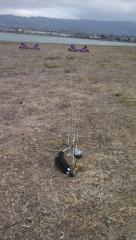
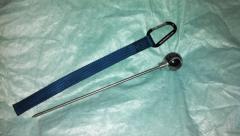
On the field Share https://kitelife.com/forum/gallery/image/5008-on-the-field/ Share on X Share on Facebook {lang="reddit_text" Share via email Share on Pinterest More sharing options... Followers This is the kite stake from the 10/15/13 karma drawing. Used it today when I went out to fly with some friends. Thanks Joespickles, LS Kite Accessories, and everyone who's helped make the karma drawings happen and keep them going.
Joespickles Members October 28, 201313 yr comment_115 Report Author stats I really want one of those now, Enjoy your good karma


Recommended Comments
Join the conversation
You can post now and register later. If you have an account, sign in now to post with your account.