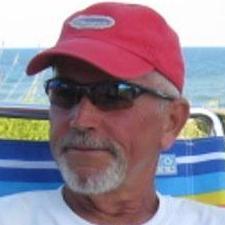
May 29, 201313 yr comment_35651 I'm thinking that our Forum Administrator, is looking a bit haggard, probably as a result of all the recent travel and events, he's been attending. Sure hope he gets a new pic for his b-day............. Happy Birthday JB............... Report
May 29, 201313 yr Author comment_35653 Me thinks that the Forum Administrator, might have had a couple, or six Report
May 29, 201313 yr comment_35654 That was actually a morning in Redcliffe this month, this one is good too (Mikio Toki and my iQuad teammate Willow Robin): Simply, WOW. Damn, I am whipped though - been a long run between Australia and Wildwood... Trying to catch up on email, forum and Facebook today, also need a nap as I'm fighting a bit of a cough at the moment. Thanks for thinking of me, love heals! Report


Join the conversation
You can post now and register later. If you have an account, sign in now to post with your account.